Workspace
Components
Create, rename, duplicate, and delete reusable components from the Components page of your BeeGraphy workspace.
Ask AI about this page
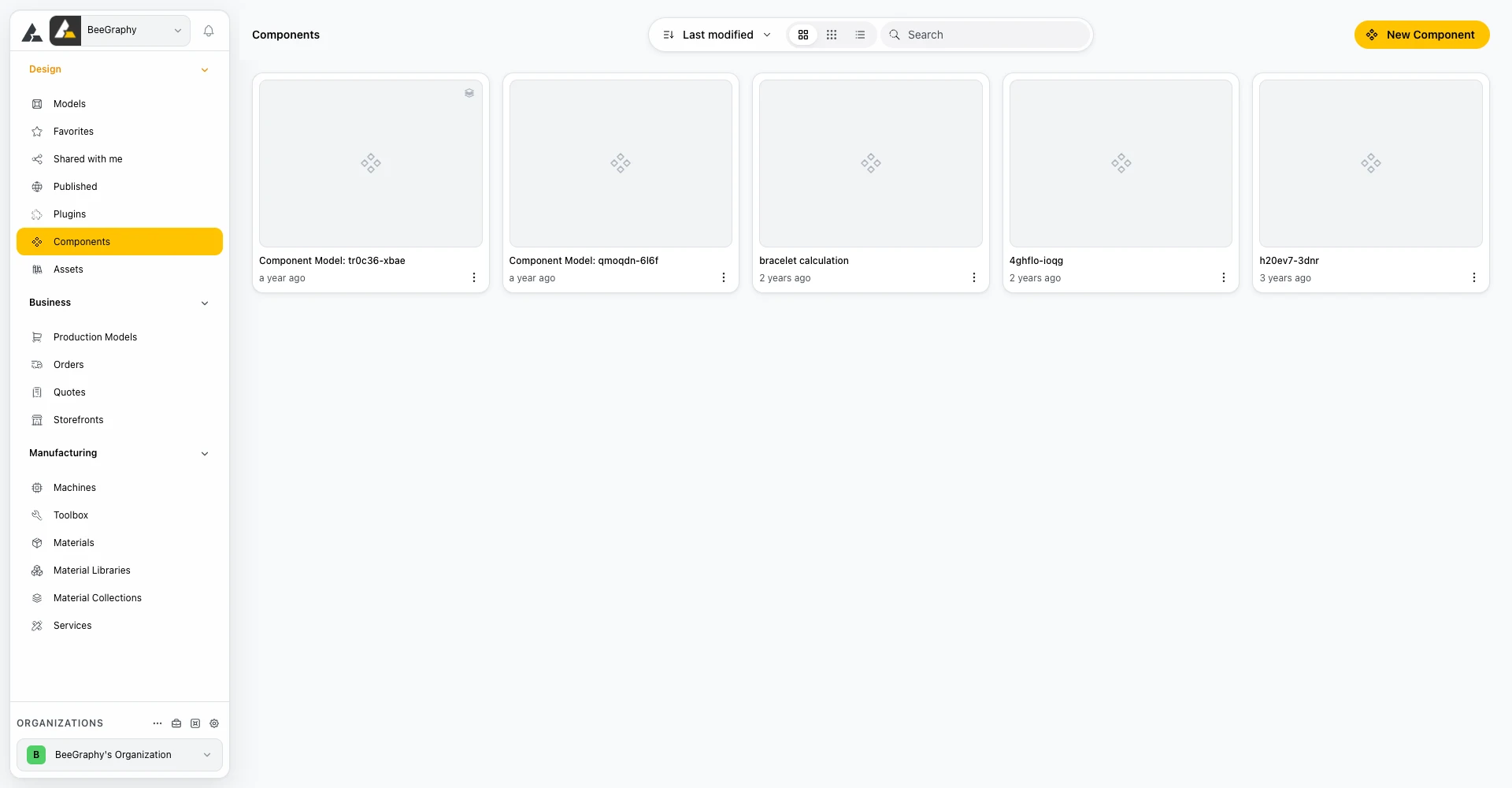
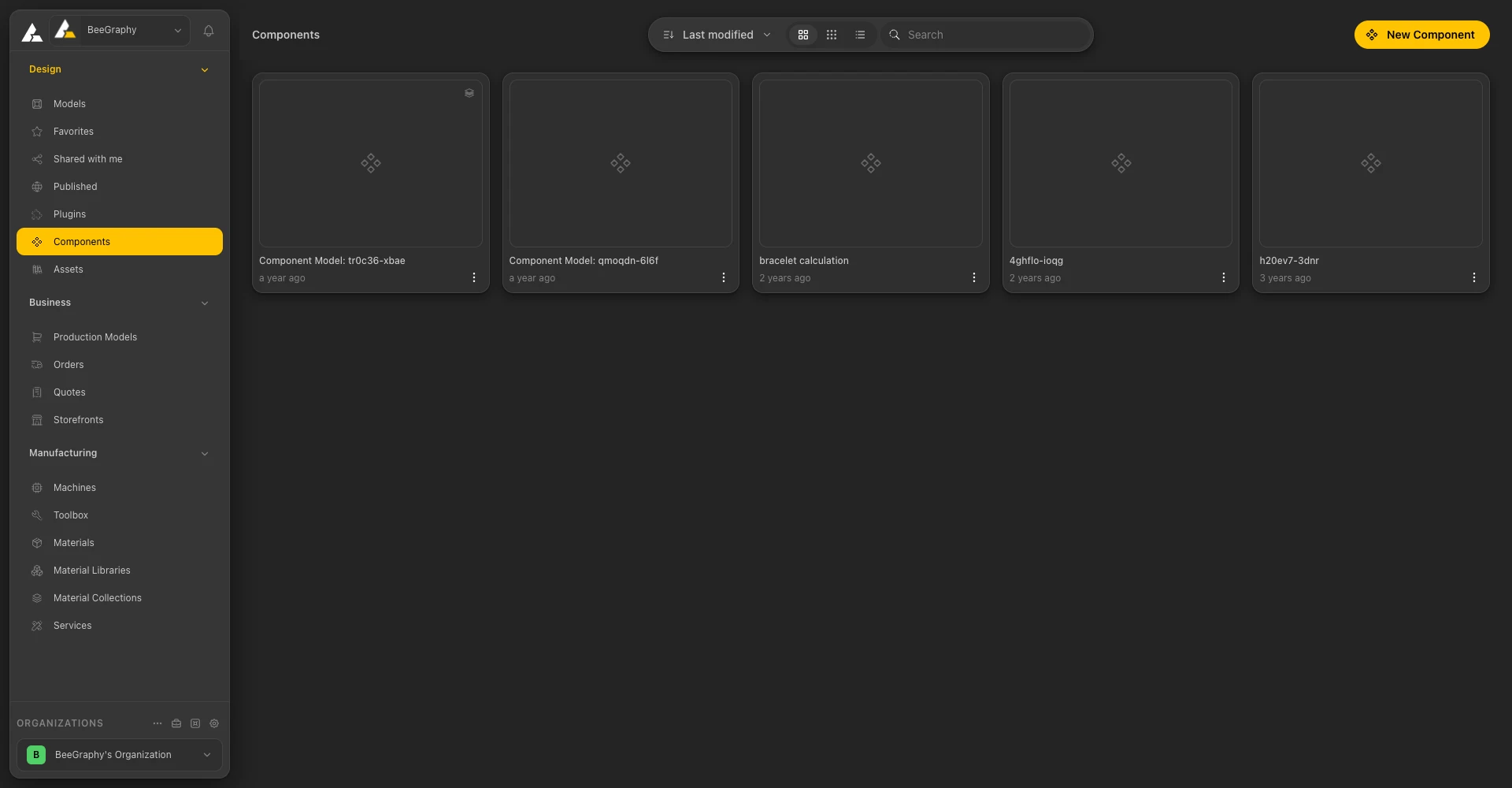
The Components page
01 / Overview
What Components Are
Components are reusable parts of a model. You save one once and use it in other models. When you edit the source of a component, every instance of it updates.
Where to find it
02 / New Component
Creating a Component
Click the yellow New Component button to open a popup with a Component Name field. Enter a name, then click Create to confirm or Cancel to discard.
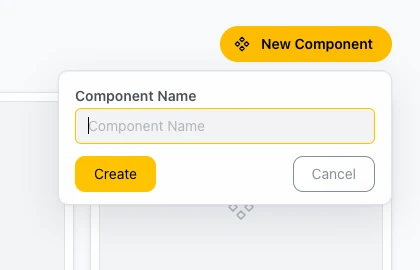
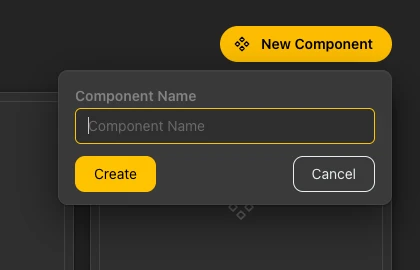
Naming a new component
03 / Component Card
The Component Card
Each component is shown as a card with:
- Thumbnail: a preview with a component icon.
- Name: the name of the component.
- Time: a relative time stamp, such as "3 months ago".
- Three-dot menu: opens the card menu.
04 / Card Menu
The Card Menu
The three-dot menu of a component card has four items:
- Edit: opens the component for editing.
- Rename: changes the name of the component.
- Duplicate: makes a copy of the component.
- Delete: removes the component.
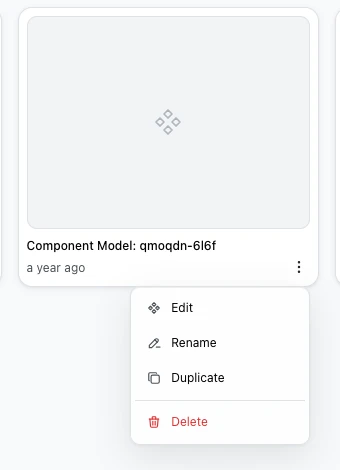
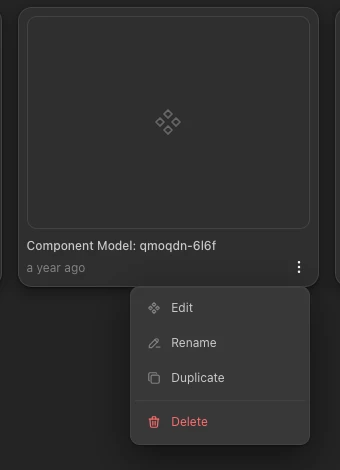
The component card menu
Learn More
See Models for sorting and views, and the Editor Workspace page for the sidebar.