Node States
Learn about node states - working, selected, hidden, and error states.
Working State
Node in Working State
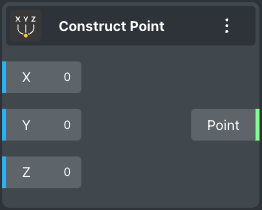
Node in working state
Selected State
A colored border appears when the node is selected.
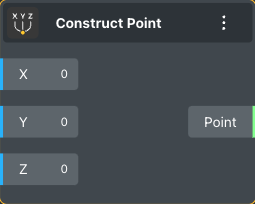
Node in selected state
Hidden State
View of the node in the hidden state
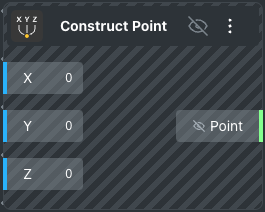
Node in hidden state
Error State
If the node is not functioning and has an error.
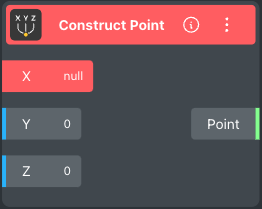
Node in error state
Error Information
To understand the error, simply click on the information button. An opened window will display the cause of the error, as well as indicate the node where the error occurred with red coloring.
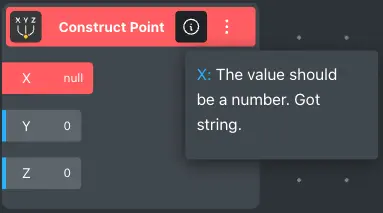
Error information panel